Many business processes are slowed down not by hard decisions but by reading, copying and routing. AI is well suited to exactly that work.
Step 1: Map the process as it really runs
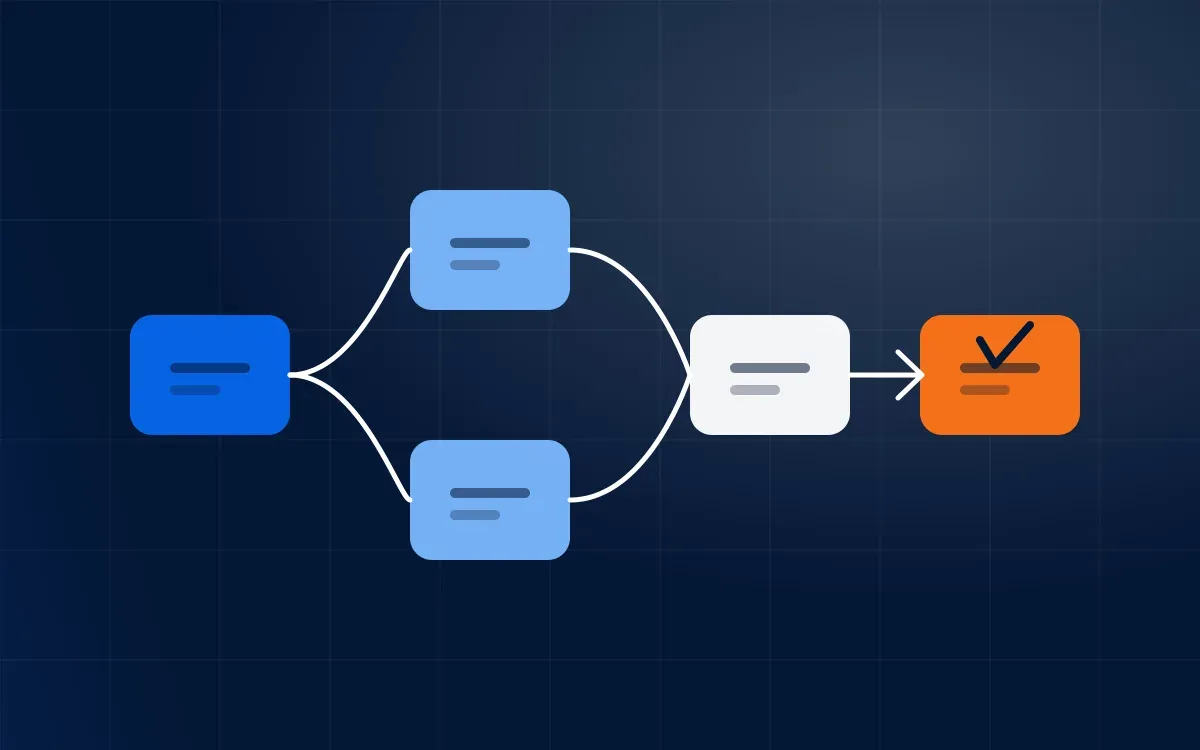
Walk through a recent real case, from trigger to finish. Note every hand-off, wait and re-keying. The map usually shows that a few steps cause most of the delay.
Step 2: Choose the steps AI can help with
- Reading documents and extracting fields.
- Classifying and routing requests.
- Drafting replies or summaries.
- Checking records against rules.
Step 3: Keep a person in the loop
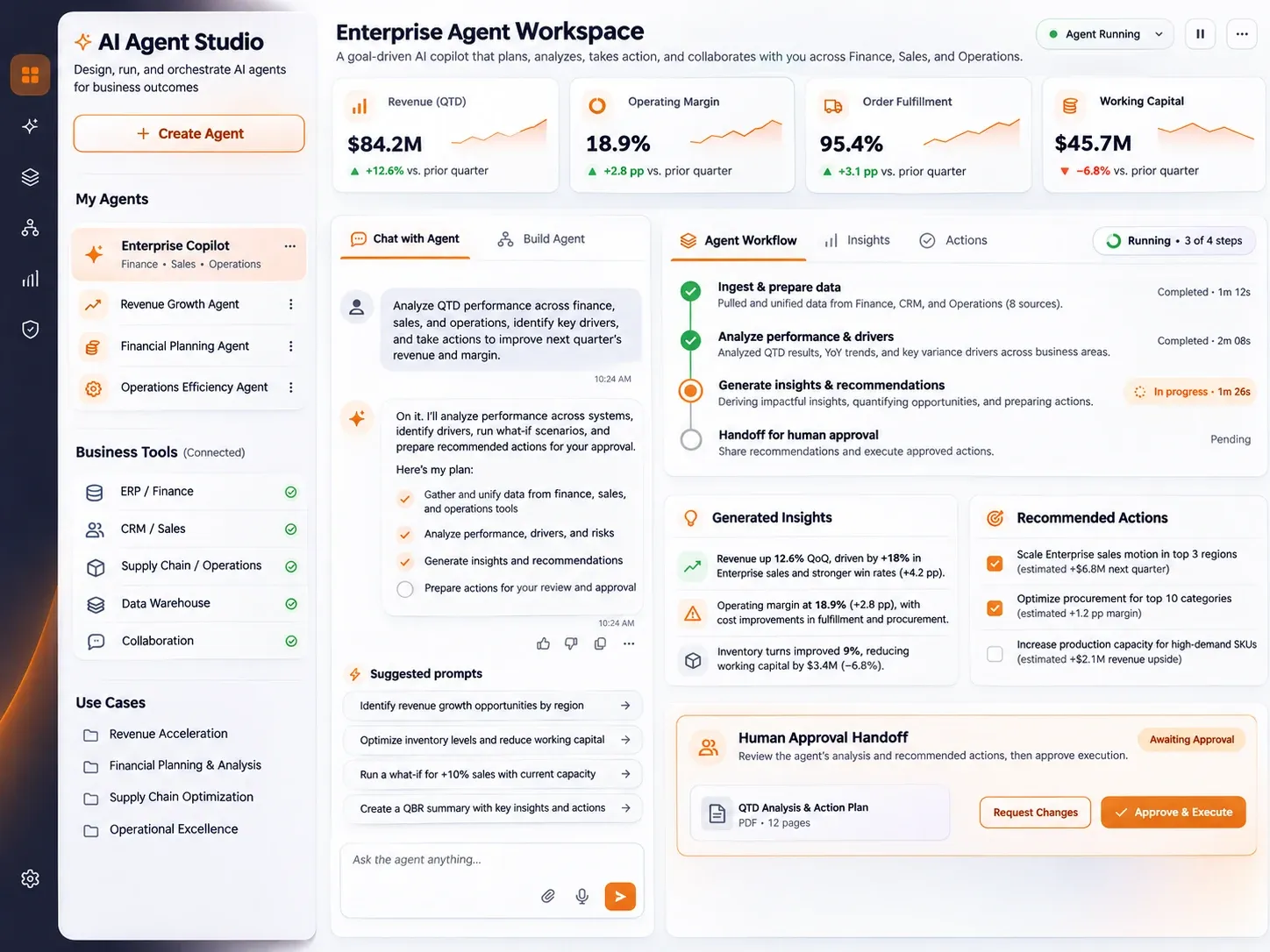
Start with AI proposing and a person approving. Track how often the proposal is accepted. When acceptance is consistently high for a type of case, let it proceed on its own for that type.
Step 4: Connect to your systems
Value appears when the result lands where work happens: your ERP, CRM or ticketing tool. Use the existing integrations and keep a log of each action.
Step 5: Measure and extend
- Compare cycle time, error rate and effort with the old process.
- Fix the exceptions the automation cannot handle.
- Move on to the next process with the lessons learned.
Common mistake
Automating a broken process only makes it fail faster. Simplify first, then automate.
Want to put this into practice?
Talk to our team about your data, planning and AI goals, or book a demo and see how it works on your own data.